Repeats that fit real chores
Choru lets a chore repeat daily, on the weekdays you pick, weekly, monthly, quarterly, or every few days, weeks, months or years. You set the pattern once and the chore shows up on the right days of the calendar.
 Choru is an iPhone appPoint your iPhone camera at the code to install it.
or text me the link
What the repeat setting does
Every dated chore in Choru has a Repeat setting. Pick one of seven choices, and the chore lands on the matching days of the chore calendar on its own, today, next week and a year from now. Wipe the counters every day, take the bins out on Tuesday and Friday, descale the kettle every three months: one chore each, set once.
The Clock app is built for alarms: a time of day that rings. That suits "get up at 7". A chore is different. It is a job that is due on a day and stays due until you do it, and some jobs come round every three weeks or every quarter, which is awkward to express as an alarm. In Choru the repeat is a rule about days, and each day's occurrence is something you can tick off.
How to set a repeat, step by step
- Tap + (Add chore) on the Calendar or Chores tab. To edit a chore, tap its row.
- Type the name of the chore and choose a tag, such as Kitchen or Bathroom.
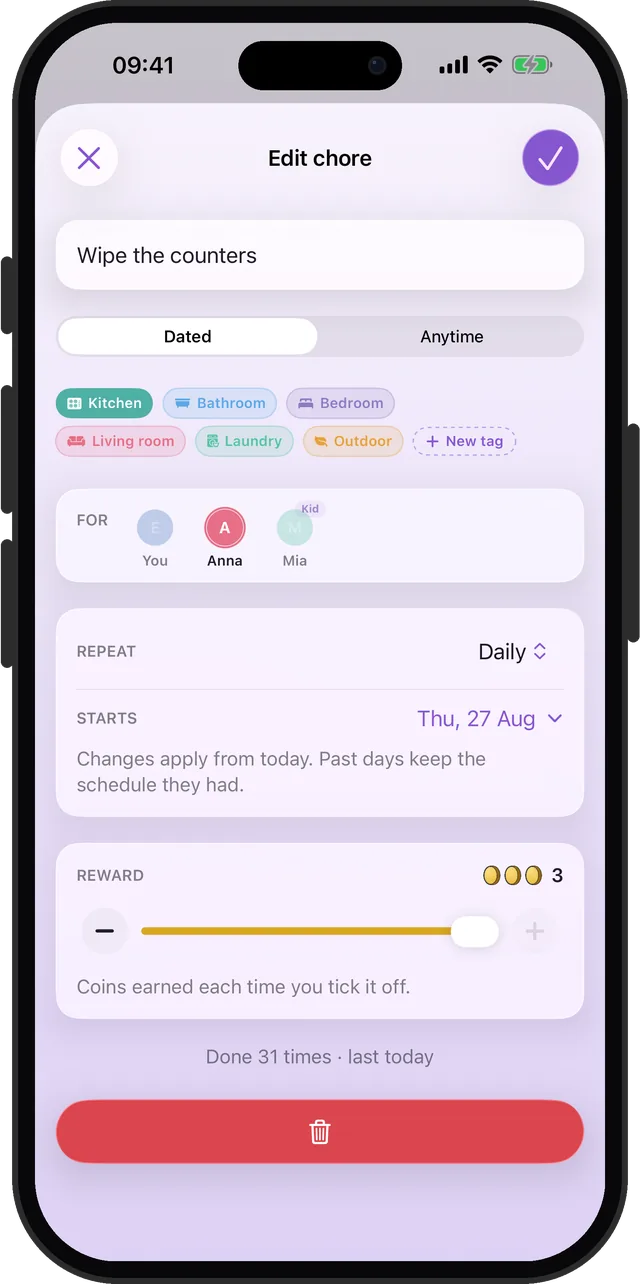
- Tap the Repeat menu in the schedule card and choose a kind (the full list is in the options below).
- If you chose Specific days, tap the seven day letters to switch days on and off. If you chose Custom, use the Every stepper for the number and the menu beside it for days, weeks, months or years.
- Tap the Starts row to open a month and pick the first day. A weekly chore falls on the weekday of that date, so start it on the day you want it to land.
- Tap the check mark, top right, to save.
If you would rather not type each chore, Settings has a starter list of common jobs by room. Quarterly ones such as cleaning the oven, scrubbing the grout and washing the pillows are already marked with the right repeat. The slower ones start spread over the coming week, so ten chores do not all fall due on the same day.
Every repeat option
| Repeat | When the chore is due | Example |
|---|---|---|
| Does not repeat | Once, on the day you choose | Book the boiler service |
| Daily | Every day from the start date | Wipe the counters |
| Specific days | The weekdays you tick, in your region's week order | Bins on Tue and Fri |
| Weekly | Every 7 days from the start date | Change the bed sheets |
| Monthly | Once a month, on the start date's day of the month | Clean the fridge |
| Quarterly | Every 3 months | Descale the kettle |
| Custom | Every N days, weeks, months or years | Water the plants every 5 days |
Custom starts at 2 and has a ceiling that depends on the unit, because past it the next unit up is the better choice:
| Unit | Range |
|---|---|
| Days | 2 to 30 |
| Weeks | 2 to 12 |
| Months | 2 to 11 |
| Years | 2 to 10 |
Some details are worth knowing. Specific days reads back in plain words: "Weekdays" for Monday to Friday, "Weekends" for Saturday and Sunday, otherwise something like "Mon, Wed and Fri". A monthly chore started on the 31st lands on the last day of shorter months. And changing a repeat later is safe: Choru says "Changes apply from today. Past days keep the schedule they had." Your streak and past ticks do not move.
When each repeat is the right tool
Daily jobs with no fuss
Dishes, counters, a quick tidy. Choose Daily and it appears every day. If your household never does chores on certain days, set those in Settings as Rest days instead of editing each chore. Nothing is due on a rest day.
Jobs that follow the week
Bins on Tuesday and Friday, school bags on Sunday evening. Specific days covers any mix of weekdays, so you do not need two chores for one job.
Seasonal and quarterly deep cleaning
Oven, grout, windows, mattress. Quarterly puts them on a calendar without you holding the dates in your head. The deep cleaning schedule guide shows how to split these across rooms.
Every few days or weeks
Houseplants every 5 days, hoovering behind the sofa every 3 weeks, the shower head every 2 months. Custom handles intervals that a weekly or monthly choice cannot.
Once a year, or twice
Gutters, the boiler service, the smoke alarm batteries. A dated chore cannot repeat yearly, but an anytime task can come back a month, 3 months, 6 months or a year after you tick it. See the limits.
What it does not do
- No yearly repeat on its own. The Custom stepper starts at 2, so "every year" and "every 12 months" cannot be set. The shortest year-based choice is every 2 years.
- No "third Tuesday of the month". Monthly repeats on the start date's day of the month, not on a weekday position.
- No repeat that waits for you. A dated chore stays on its schedule whether or not you did it last time, and a missed one is carried over. If you want a job that comes back a set time after you finish it, use an anytime task instead. Those can come back a month, 3 months, 6 months or a year after you tick them.
- No time of day. A repeat decides the day. It does not ring at a set hour, which is what the Clock app is for.
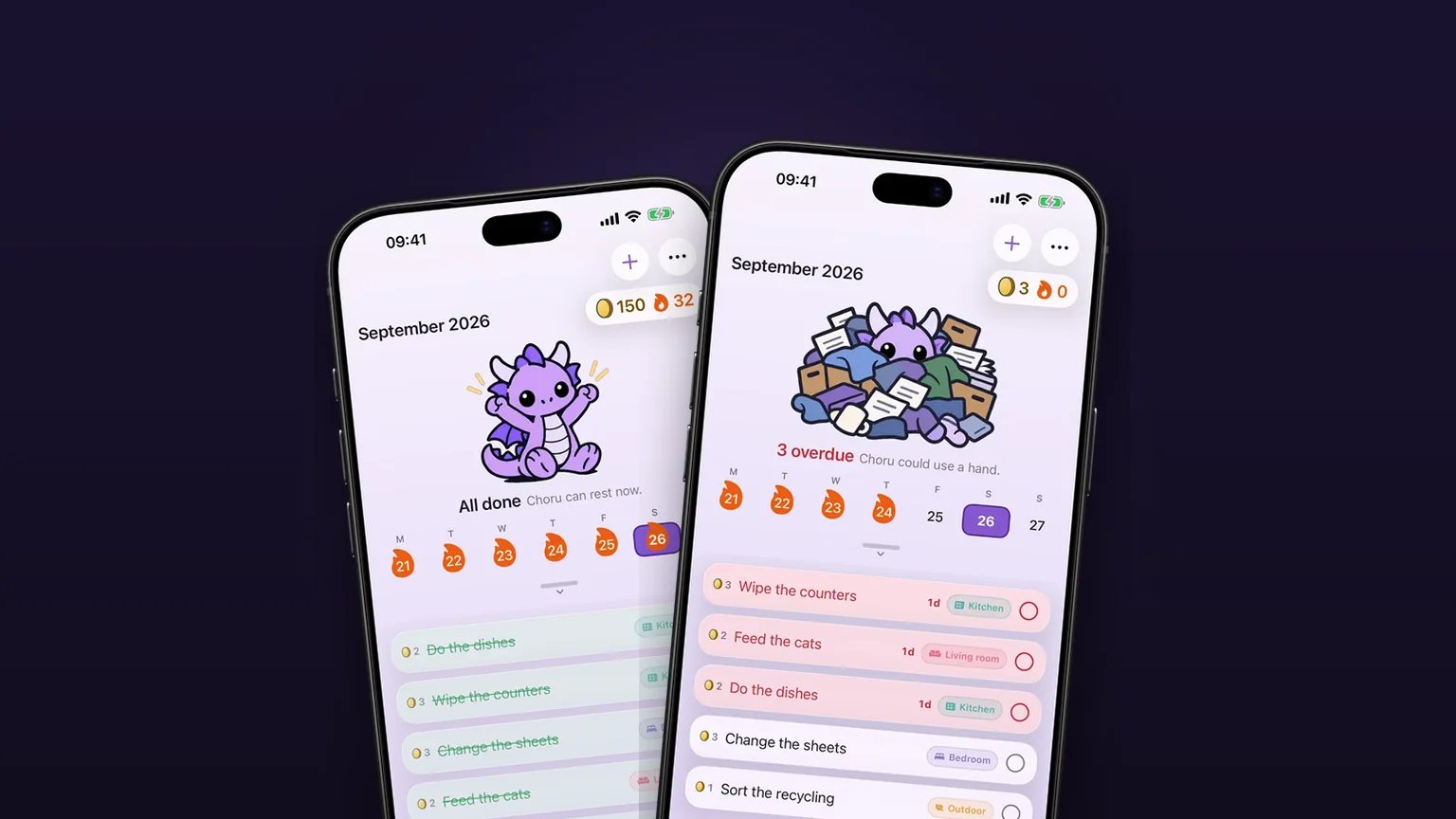
A missed chore carries over to today as one row that shows how many days late it is. To put the chores on shared lists, read how to share a chore list with family.
Frequently asked questions
What is a good recurring chores app for different schedules?
Look for one that does more than daily and weekly. Choru repeats a chore daily, on the weekdays you tick, weekly, monthly, quarterly, or every 2 or more days, weeks, months or years, so a quarterly oven clean and a daily wipe-down sit in the same list.
How do I set a chore every 3 months?
Open the chore, tap the Repeat menu and choose Quarterly. It comes round every 3 months from the Starts date. You can also pick Custom and set Every 3 months.
Can I repeat a chore on certain days of the week?
Yes. Choose Specific days and tap the day letters you want, for example Tuesday and Friday. Choru shows Monday to Friday as Weekdays and Saturday and Sunday as Weekends.
What happens if I change a chore's repeat later?
The change applies from today. Days before today keep the schedule they had, so your streak, flames and past ticks stay as they were.
Can a chore repeat once a year?
Not as a dated chore. Custom starts at 2, so the shortest year-based repeat there is every 2 years. An anytime task can be set to Yearly and comes back a year after you tick it off.
Sources
Set a chore once and let it repeat
Get Choru on the App StoreMore features
Anytime tasks that come back later
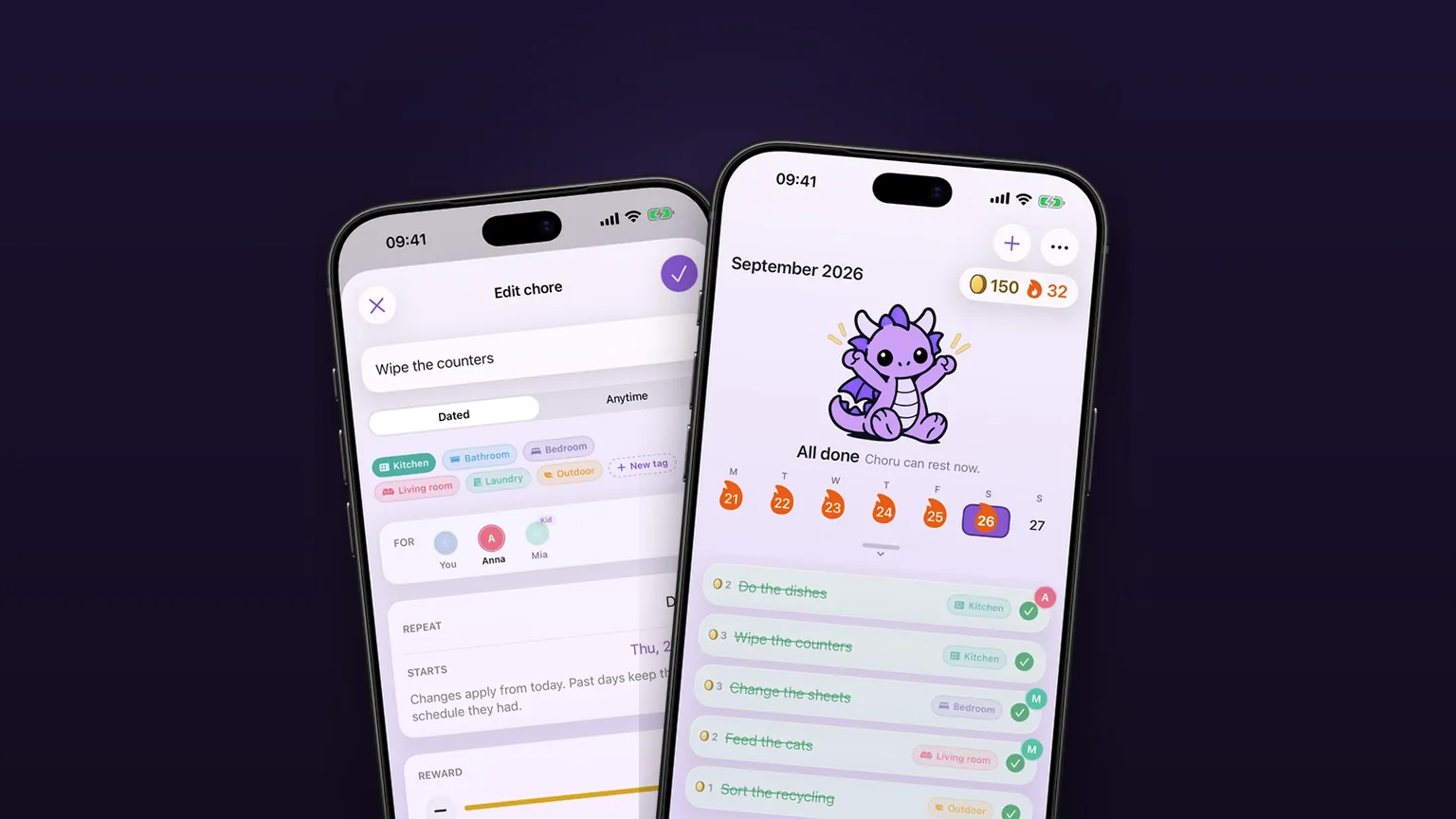
Jobs with no fixed date come back 1, 3, 6 or 12 months after you tick them off.
A chore calendar that shows what is due
A week calendar with the day's chores under it, and a month you can pull down to.

Coins and rewards you pick
Every chore pays 1 to 3 coins, and you write the rewards, set their prices and spend the coins.