How to Make a Chore Chart for Kids That Lasts
A chore chart is easy to start and hard to keep going. The stickers run out, nobody checks it, and it turns into fridge art. Here is how to make one that lasts.
Quick answer: Give each child a short list of jobs they can finish alone, pay a few points for each, and let them spend the points on rewards you agree on together. Keep the first reward close, and check the work before the points land. In Choru, every chore pays coins, you set the rewards and their prices, and each kid's chores, streak and coins sit together in the Kids tab.
Keep the list short and the jobs real
Three to five chores a day is plenty. Pick jobs the child can finish without help, and that actually help the house: feeding the cat, setting the table, putting their laundry away, watering the plants. A list of ten turns into a list of none.
Younger kids can match socks or put toys back in the box. Older ones can empty the dishwasher or take out the recycling. Start easy, and add a job after a good week, not before.
Points they can spend beat stickers they collect
Stickers are fun until there is nothing to do with them. Points that buy something give every chore a reason. Let the kids help write the reward list, with prices: half an hour of extra screen time, picking the film, a day out. Once they have their eye on something, the chart starts running itself.
Keep the first prices within reach. If the first reward takes a month to earn, the chart may not last that long.
Streaks help too. In Choru, a streak pays bonus coins when it reaches 3, 7, 14 and 30 days, and every 30 days after that.
Check it before it counts
Kids work out fast that a tick is worth the same as a done chore. A quick look before the points land keeps it honest, and it is a natural moment to say well done.
In Choru that is a switch for each kid: Their chores need a grown-up's OK. With it on, a kid's tick shows as waiting for a grown-up to check it, and the coins land once someone approves it in the Kids tab.
How to set it up in Choru
- Start a family in Settings, then Family. On the way, Choru asks the grown-ups for four digits: the parent PIN that gets any grown-up past a kid's phone lock. Skipped it? Tap your own name there later and choose Set a parent PIN.
- Each kid joins on their own iPhone by scanning the family's code, and marks themselves with I'm a kid.
- Add their chores and put them on the kid's list with the For row. Every chore pays coins, and you choose how many.
- Add rewards for each kid in the Kids tab, set their prices, and let the coins pile up.
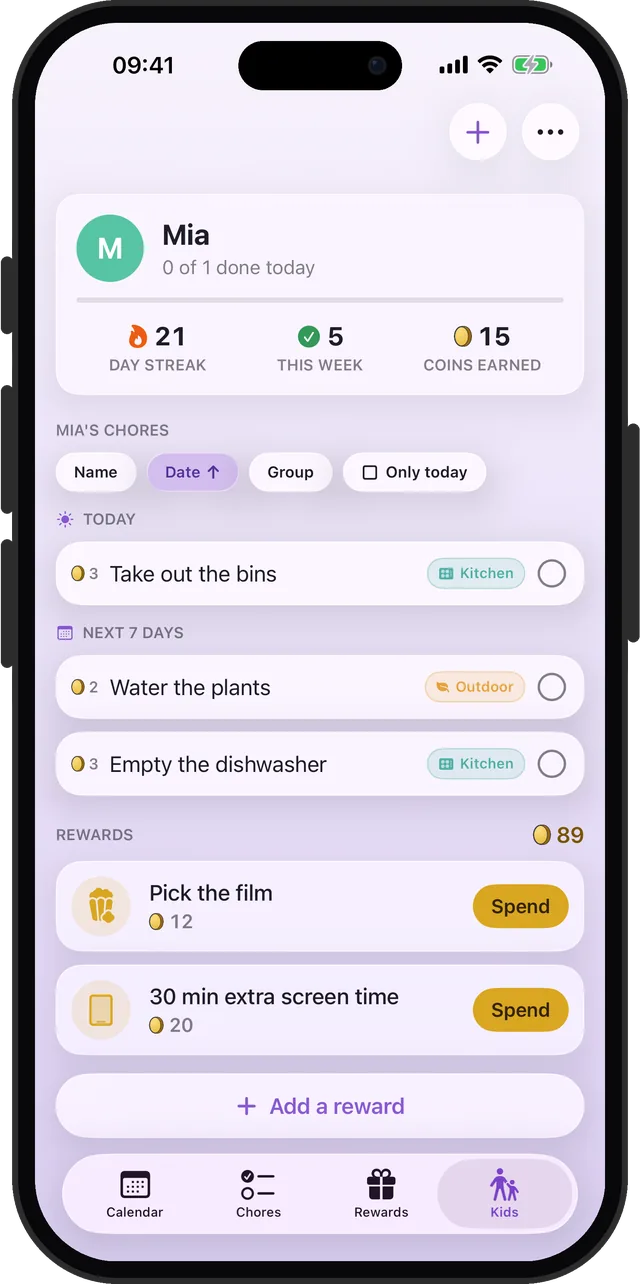
Their own phone, locked to their own list
A kid's phone locks itself to their own chores and rewards, so nobody quietly re-prices their own jobs. Any grown-up in the family can get past the lock with the parent PIN.
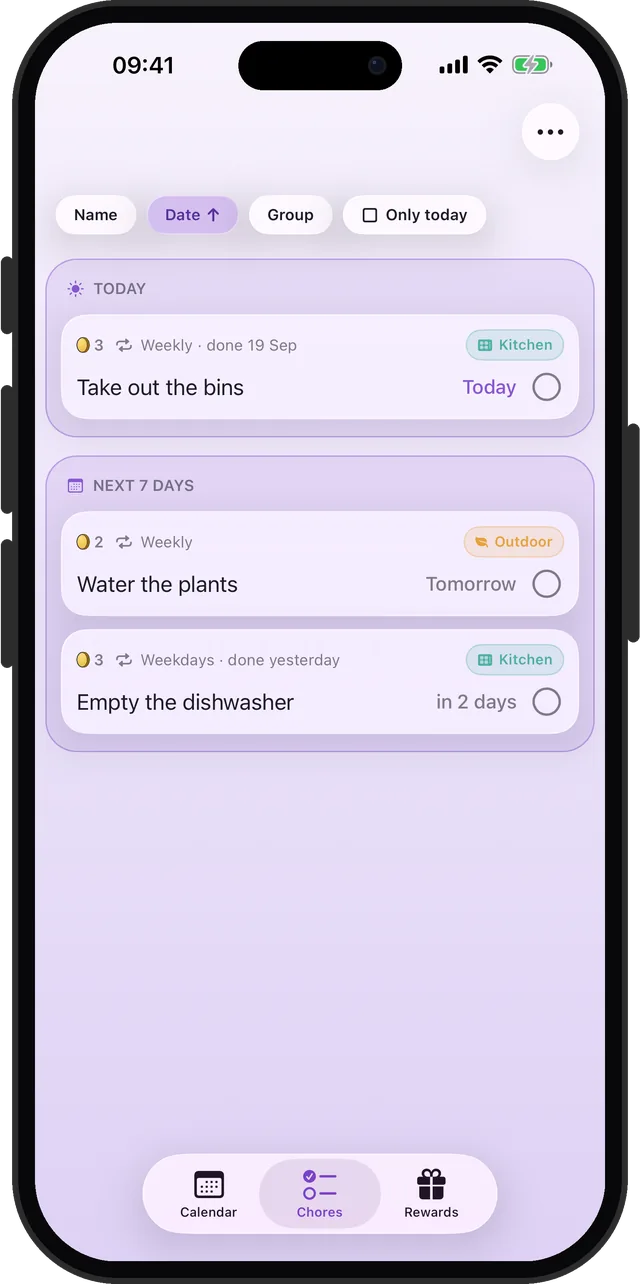
Chores worth saving up for
Coins for every chore, rewards you pick together, and a grown-up check before they count.